What is the function of the <main><main> tag in a webpage layout?</main>
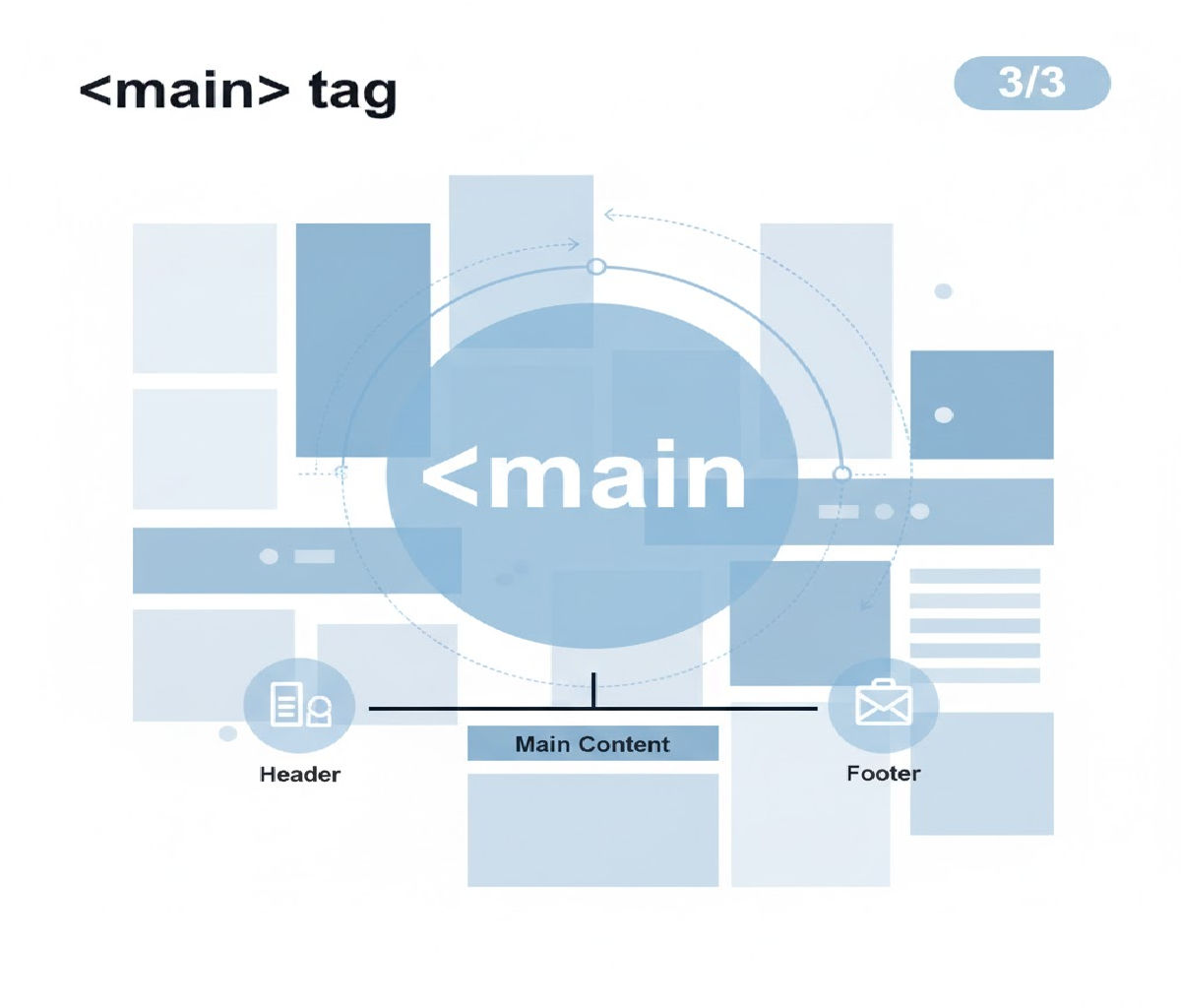
The <main> tag is a semantic HTML5 element designed to represent the primary, dominant content of a webpage. Its main purpose is to clearly identify the central content area that is unique to that page and directly related to its main topic or purpose.
Introduced with HTML5, the <main> element improves accessibility, SEO, document structure, and code readability, making it an essential part of modern web development.
1. Definition of the <main> Tag
The <main> element represents the main content of the <body> of a document. It contains content that is directly related to or expands upon the central topic of the document.
Key Characteristics
- There must be only one
<main>element per page - It must be a direct child of
<body> - It must not be inside
<header>,<footer>,<nav>,<article>, or<aside> - It should not include repeated content like navigation links, sidebars, headers, or footers
2. Why the <main> Tag Was Introduced
Before HTML5, developers commonly used <div> elements with class names like:
<div id="content">
<div class="main-content">
These had no semantic meaning, which caused problems for:
- Screen readers
- Search engines
- Automated tools
- Developers reading the code
HTML5 introduced semantic tags like <header>, <nav>, <section>, <article>, <aside>, <footer>, and <main> to solve this problem by adding meaning to structure.
3. Primary Function of the <main> Tag
The core function of the <main> tag is to:
Identify the main, unique content of the webpage that excludes repeated elements and supports the page’s primary purpose.
This includes:
- Blog posts
- Article text
- Product descriptions
- Tutorials
- News content
- Forms central to the page goal
4. Basic Example of <main> Usage
<!DOCTYPE html>
<html lang="en">
<head>
  <meta charset="UTF-8">
  <title>Understanding the Main Tag</title>
</head>
<body>

  <header>
    <h1>My Website</h1>
    <nav>
      <a href="#">Home</a>
      <a href="#">Blog</a>
      <a href="#">Contact</a>
    </nav>
  </header>

  <main>
    <h2>Welcome to My Blog</h2>
    <p>This is the primary content of the page.</p>
  </main>

  <footer>
    <p>© 2025 My Website</p>
  </footer>

</body>
</html>
In this example:
<header>contains site-wide information<nav>contains navigation links<main>contains the core page content<footer>contains repeated information
5. Difference Between <main> and <body>
| Feature | <body> | <main> |
|---|---|---|
| Purpose | Contains all visible page content | Contains only the primary content |
| Quantity | One per page | One per page |
| Includes navigation | Yes | No |
| Includes footer | Yes | No |
| Semantic meaning | Structural container | Content-focused container |
Important:<main> exists inside <body>, not as a replacement for it.
6. Accessibility Benefits of <main>
One of the most important functions of the <main> tag is improving accessibility.
Screen Reader Navigation
Assistive technologies allow users to:
- Skip repetitive content
- Jump directly to
<main> - Understand content hierarchy faster
Many screen readers provide a “skip to main content” shortcut automatically when <main> is present.
Example: Skip Navigation
<a href="#main-content">Skip to main content</a>

<main id="main-content">
  <h1>Page Heading</h1>
  <p>Main content starts here.</p>
</main>
This is extremely helpful for:
- Keyboard-only users
- Visually impaired users
- Screen reader users
7. SEO Advantages of Using <main>
Search engines analyze page structure to understand content importance.
How <main> Helps SEO:
- Clearly identifies primary content
- Reduces ambiguity for crawlers
- Improves semantic clarity
- Helps search engines distinguish between content and layout
While <main> alone does not directly boost rankings, it supports better indexing and content understanding, which indirectly improves SEO performance.
8. <main> vs <section> vs <article>
Many developers confuse these elements. Let’s clarify.
<main>
- Represents the primary content of the page
- Only one per document
<section>
- Groups related content
- Used within
<main>or<article>
<article>
- Self-contained content
- Can stand alone or be reused (blog post, news article)
Example Combining All Three
<main>
  <article>
    <h2>Understanding HTML5</h2>
    <section>
      <h3>Introduction</h3>
      <p>HTML5 introduces semantic elements.</p>
    </section>
    <section>
      <h3>Benefits</h3>
      <p>Better accessibility and SEO.</p>
    </section>
  </article>
</main>
9. What Should NOT Be Inside <main>
Avoid placing the following inside <main>:
❌ Site navigation
❌ Logo repeated across pages
❌ Sidebars unrelated to main content
❌ Footer copyright information
❌ Ads unrelated to content
Incorrect Example:
<main>
  <nav>...</nav> <!-- Wrong -->
</main>
Correct Example:
<nav>...</nav>
<main>
  <p>Main content</p>
</main>
10. Styling the <main> Tag with CSS
The <main> tag behaves like a block-level element and can be styled like any other container.
Example CSS
main {
  max-width: 1200px;
  margin: auto;
  padding: 20px;
  background-color: #f9f9f9;
}
Example HTML with Styling
<main>
  <h1>Dashboard</h1>
  <p>This is the core content area.</p>
</main>
11. Responsive Layout Using <main>
<body>
  <header>Header</header>

  <main>
    <section>Main Content</section>
  </main>

  <aside>Sidebar</aside>

  <footer>Footer</footer>
</body>
body {
  display: grid;
  grid-template-columns: 3fr 1fr;
}

main {
  grid-column: 1;
}
This layout clearly separates:
- Main content (
<main>) - Secondary content (
<aside>)
12. <main> in Single-Page Applications (SPA)
In frameworks like React or Angular, <main> still plays a crucial role.
<body>
  <header></header>

  <main id="app">
    <!-- Dynamic content loads here -->
  </main>

  <footer></footer>
</body>
Even when content changes dynamically, <main> continues to represent the primary region of the app.
13. Common Mistakes with <main>
❌ Using Multiple <main> Elements
<main>Content 1</main>
<main>Content 2</main>
❌ Nesting <main> Inside Other Tags
<article>
  <main>Wrong usage</main>
</article>
✅ Correct Usage
<body>
  <main>
    <article>Correct structure</article>
  </main>
</body>
14. Browser Support
The <main> tag is supported by:
- Chrome
- Firefox
- Safari
- Edge
- Mobile browsers
For older browsers, it behaves like a <div> without breaking layouts.
Related Posts





