How would you schedule an Apex class to run every hour to check for records pending approval?
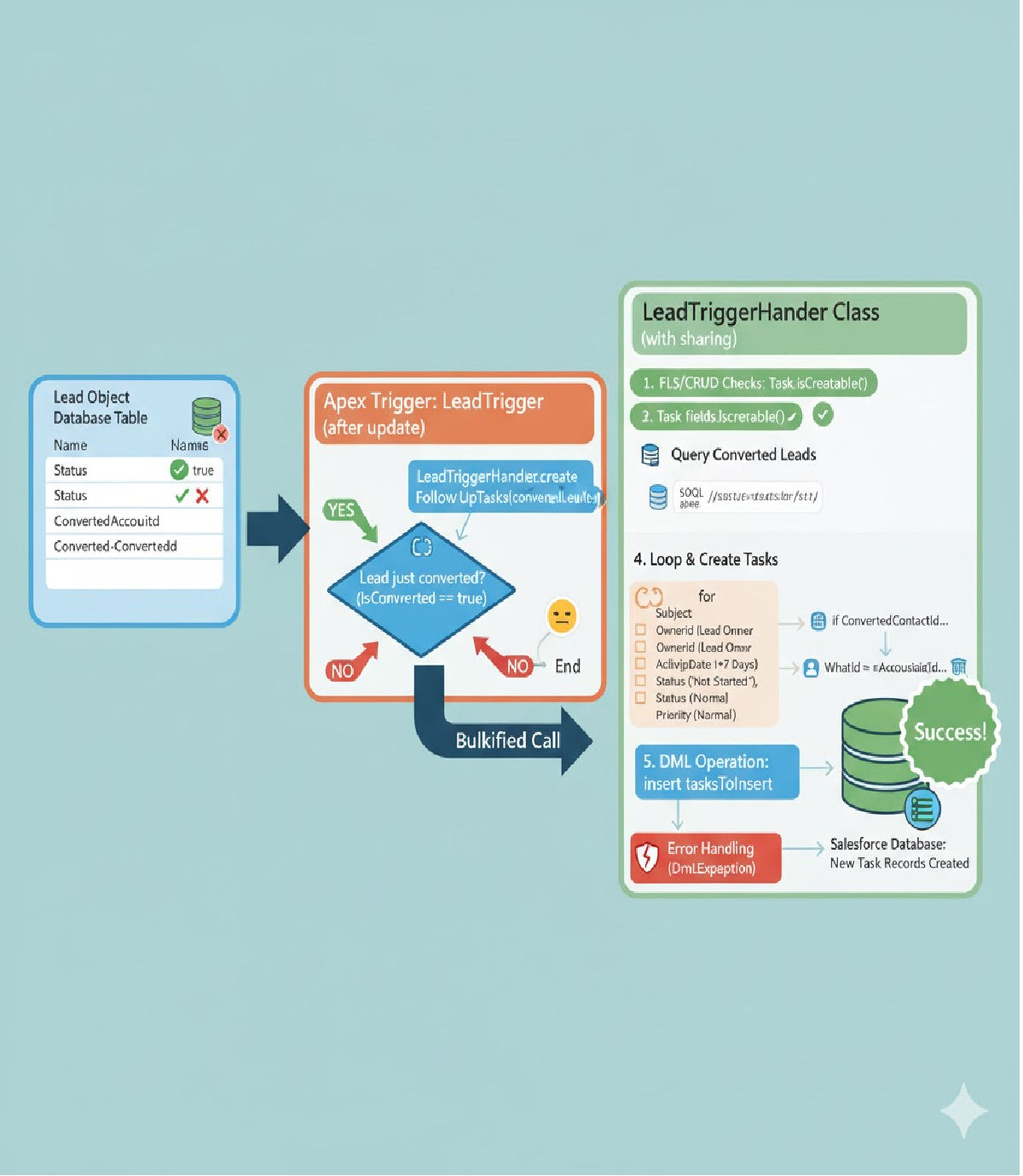
How to schedule an Apex class to run every hour to check for records pending approval, including code, best practices, and interview-style discussion.
🔹 Why Schedule an Apex Class Every Hour?
In many Salesforce projects, certain objects may require regular monitoring — for example:
- Records with Status = Pending
- Requests awaiting manager approval
- Stalled processes older than X hours
- Escalation based on time
Instead of requiring users or automation to trigger the process, Salesforce Scheduled Apex can be used to run automatically every hour.
🔹 Step 1 — Create an Apex Class Implementing Schedulable
To run code in Salesforce on a schedule, the Apex class must implement the Schedulable interface.
✔ Example: Apex Scheduler Class
public class PendingApprovalScheduler implements Schedulable {

    public void execute(SchedulableContext sc) {
        // Call the business logic class
        PendingApprovalHandler.processPendingRecords();
    }
}
🔹 Step 2 — Business Logic Class (Bulkified)
It is a best practice to keep logic separate from the scheduler.
public class PendingApprovalHandler {

    public static void processPendingRecords() {
        List<MyObject__c> pendingList = [
            SELECT Id, Status__c, LastModifiedDate
            FROM MyObject__c
            WHERE Status__c = 'Pending'
        ];

        List<MyObject__c> updateList = new List<MyObject__c>();

        for (MyObject__c obj : pendingList) {
            obj.Status__c = 'Auto-Rejected'; // example action
            updateList.add(obj);
        }

        if (!updateList.isEmpty()) {
            update updateList;
        }
    }
}
✔ Why this is correct:
- SOQL runs once
- Bulk operations supported
- No DML inside loop
- Clean separation of Scheduler ↔ Business Logic
🔹 Step 3 — Schedule the Job to Run Every Hour
Scheduled Apex can be set through Setup or through code.
⚠️ Salesforce Cron Format
Seconds Minutes Hours Day_of_month Month Day_of_week Optional_year
✔ Programmatic Scheduling (runs every hour)
Execute the following in Developer Console → Anonymous Window:
String cron = '0 0 * * * ?';  // fire at minute 0 every hour
System.schedule('Pending Approval Hourly Job', cron, new PendingApprovalScheduler());
🔹 Verification — Check the Scheduled Job
📍 Salesforce Setup → Scheduled Jobs
You should now see:
Pending Approval Hourly Job — Next Run: Today HH:00
🔹 Optional Enhancement — Error Logging & Email Alert
For production-grade jobs, add graceful error handling:
public class PendingApprovalScheduler implements Schedulable {
    public void execute(SchedulableContext sc) {
        try {
            PendingApprovalHandler.processPendingRecords();
        } catch (Exception ex) {
            System.debug('Scheduler Failed: ' + ex.getMessage());
            // optionally send email or log to custom object
        }
    }
}
🔹 Optional — Run Every 30 Minutes Instead of Hourly
String cron = '0 0/30 * * * ?';
🔹 Full End-to-End Flow Summary
| Step | Component | Purpose |
|---|---|---|
| 1 | Schedulable class | Gets executed on schedule |
| 2 | Logic handler class | Contains DML/SOQL |
| 3 | Anonymous scheduling | Registers job |
| 4 | Salesforce monitors it | Runs every hour automatically |
🔹 Common Errors and Fixes
| Issue | Cause | Fix |
|---|---|---|
Schedulable class already scheduled | Job already running | Delete existing job before rescheduling |
| Scheduler fails | Logic is not bulk-safe | Bulkify the handler |
| No permissions error | Running user lacks CRUD/FLS | Add permission checks |
| Job runs but no updates | SOQL filters incorrect | Check query conditions |
🔥 Interview-Style Explanation (Short Answer)
To schedule an Apex class hourly, create a Schedulable class that calls your business logic. Then register the class using Salesforce CRON syntax. For example:
JavaScriptpublic class PendingApprovalScheduler implements Schedulable { public void execute(SchedulableContext sc) { PendingApprovalHandler.processPendingRecords(); } }And schedule it using:
JavaScriptSystem.schedule('Pending Job Hourly', '0 0 * * * ?', new PendingApprovalScheduler());This runs at the start of every hour and supports batch processing through bulkified logic.
💡 Final Notes
- Scheduled Apex does not require batch class unless processing > 50k records.
- Logic should always be bulkified and placed outside the scheduler.
- Always monitor jobs via Setup → Scheduled Jobs.
Tags:
Related Posts





